Bank statement converter that runs on your device
Turn PDF bank statements into CSV for Excel, or OFX, QBO, and QIF for QuickBooks and Xero. Your first statement is free. Files never leave your browser, and every row is checked against the statement's printed balances.
Built to be checked, not trusted
Verifiably private
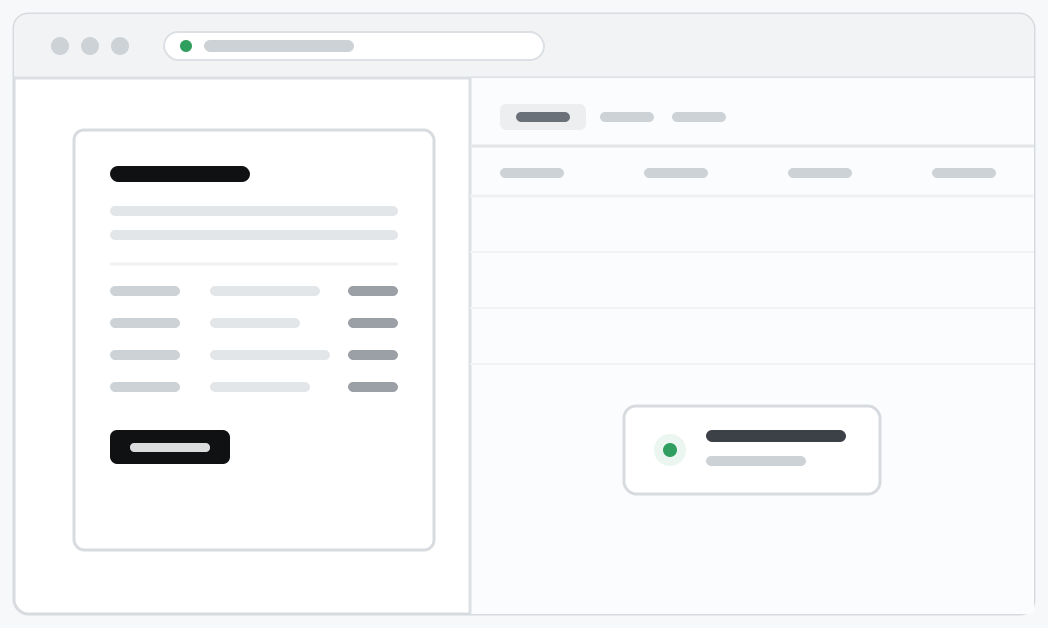
Static site, no backend. There is nowhere for your statement to go: parsing runs in this window and the page keeps working with Wi-Fi off.
Balance-checked
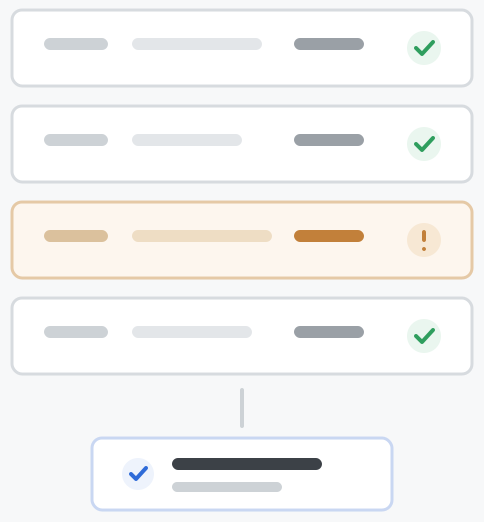
Statements carry their own checksum: each balance must equal the previous one plus the transaction. Mismatches get flagged, not shipped.
Scanned statements too, with Premium
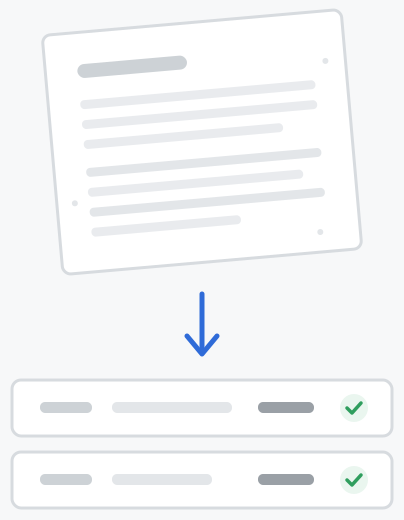
Premium reads scans, photos, and image-only PDFs. The OCR runs entirely on your device, so the scan never leaves your machine, and OCR'd rows face the exact same balance checks: verify or get flagged, never guessed.
One price, nothing metered
One flat license. No subscription, no per-page credits, no seats to provision before close.
Everything in the license, plus scans, photos, and image-only PDFs, OCR'd on your own machine.
Competitors charge $30 a month, every month.
Questions people ask
Is my statement uploaded anywhere?+
No. This site is static files; there is no server to upload to. Everything happens in your browser. Open the network tab while converting and you'll see nothing leave. It works with Wi-Fi off. PDF passwords are handled the same way: entered locally, used locally, never sent.
What does the license cover?+
A year of unlimited use on one machine: every statement, every export format, every new version we ship during it. One payment, nothing auto-renews, no usage to meter. When your year ends, renew to keep converting.
How do I know the numbers are right?+
Bank statements carry their own checksum: every row's balance must equal the previous balance plus or minus the transaction. We verify every row against that arithmetic and mark each one. If a row doesn't reconcile, we show you exactly which one instead of hoping you won't notice.
What formats can I export?+
CSV always; OFX, QBO (QuickBooks Web Connect), and QIF whenever the statement prints enough date information to resolve real calendar dates, which is almost always. Multiple statements can be merged into a single CSV with a source column.
Which banks are supported?+
Any bank whose statements are digital PDFs (selectable text). Most layouts and number formats used worldwide are supported, and coverage grows continuously. Scanned and photographed statements (JPG, PNG, image-only PDFs) are supported with the Premium license.
Do scanned statements work?+
Yes, with Premium ($79). It adds an OCR engine that reads scans, photos, and image-only PDFs directly on your device; the scan never leaves your machine. The engine is a one-time 11 MB download and works offline afterwards. Every row it reads is still verified against the statement's printed balances, so a misread digit gets flagged instead of landing in your books.
Is there a free version?+
Your first statement converts completely free: full table, full verification, every export format, no signup. After that, a $49 license covers a year of unlimited use. There are no per-page credits and nothing auto-renews, and scanned statements are part of the $79 Premium license.
Does it use AI to read my transactions?+
Two things will always be true here: your statements never leave your device, so no AI service ever sees them. And every extracted number has to verify against the statement's own balances before it reaches your export, so nothing in it is a guess. Premium's scan reading works the same way: the OCR model is downloaded to your device once and runs there, and every row it reads is still verified.